Step-by-step guide
How to Make an AI Growing Up Video
Learn how to create a growing up AI video or a timeline video of a child from real photos — without CapCut timelines or Dreamina templates. Upload, preview free, and download a video with story moments between every age.
Your photos
→ Growing up video



What is an AI grow up video?
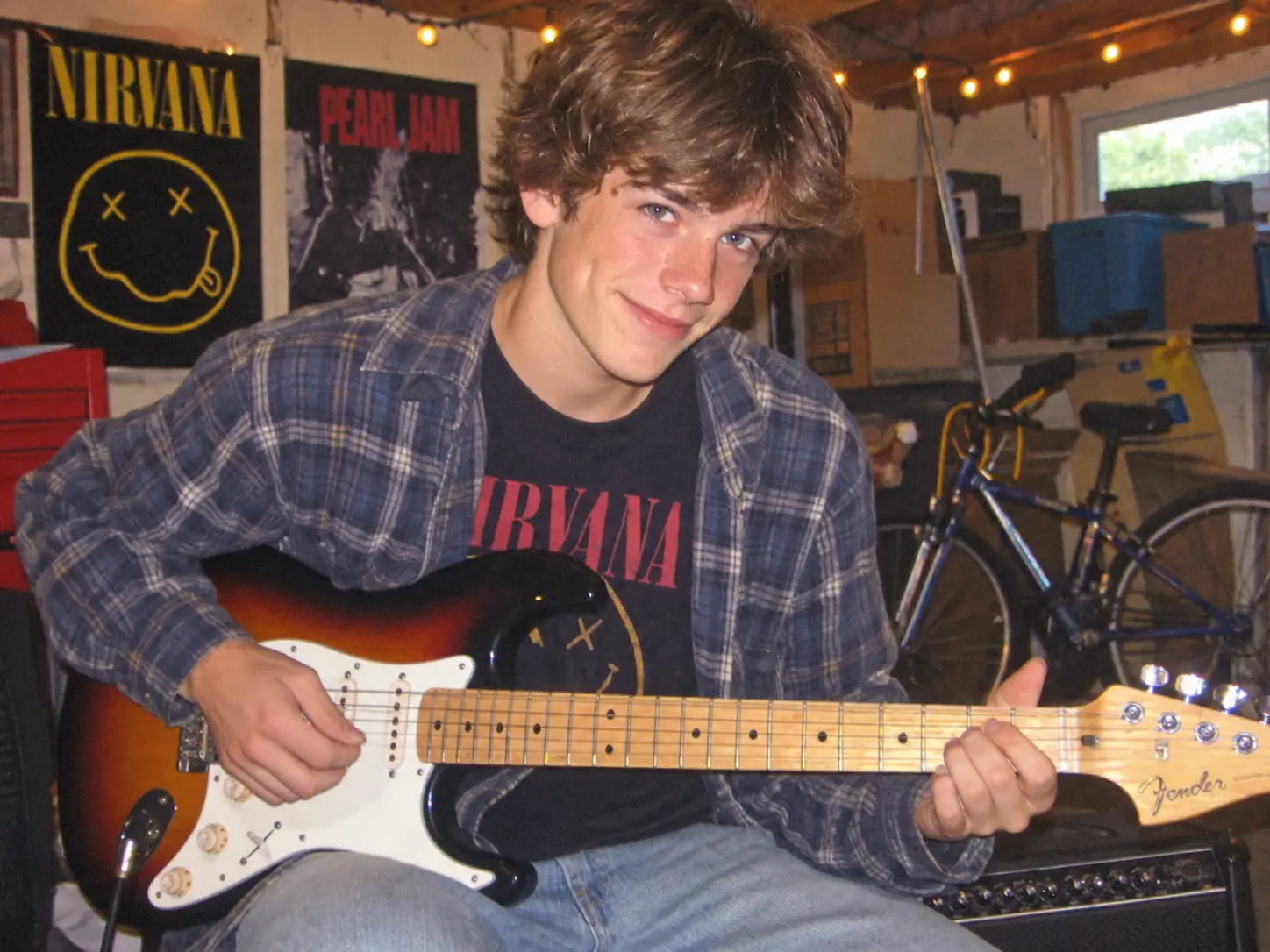
An AI growing up video (sometimes called an age progression, child timeline, or forever-young style clip) turns photos from baby to today into one short film. People also ask how to make an age morph or a face-change-over-the-years video — same search intent. General apps often fade or morph faces. A dedicated growing up video maker can go further: plan a little life moment between each pair of photos so it feels like watching them grow up.
That is what Growing Up Video AI does — then lets you rewrite any moment, preview the first transition free, and add an original soundtrack composed to the video's exact length.
Searching for an age progression video? Same product — that page explains the grow up effect in search terms.
How to create a timeline video of a child with AI
Gather clear photos from newborn to today, put them in age order, and let AI write a moment between each pair. Preview the first transition free, then unlock the full timeline. That is faster than building a CapCut project or hunting for a Dreamina morph template — and it stays a story, not only a face morph.
How to make a growing up video in 3 steps
No timeline. No effects pack. About ten minutes from first photo to free preview.
Upload photos from every age
Gather 2–30 photos of the same person, couple, or pet — baby pictures, school years, today. Drag them into order, youngest first, and crop each face so it sits clearly in the frame.
AI builds the story moments
Our AI looks at each pair of photos and writes a small moment that joins them — not a plain fade, and not only a face morph. You can rewrite any moment in your own words before anything renders.
Preview free, then download
Watch the first transition free with your own photos. When you love it, unlock the full growing up video with an original soundtrack timed to its length, then download the MP4 or share a private link.
CapCut & Dreamina vs a growing up video maker
CapCut and Dreamina are excellent all-purpose AI creative tools. If you only need one growing up video for a party or tribute, a focused maker is usually faster.
| Feature | CapCut | Dreamina | Growing Up Video AI |
|---|---|---|---|
| What you do | Edit clips yourself | Pick a template & tune it | Upload photos |
| Between photos | Cuts & effects | Face / style morph | A story moment |
| Music | Library / DIY | Library / DIY | AI soundtrack timed to your video |
| Pricing model | Credits or subscription | Credits or subscription | Pay once per video |
| Try before you pay | |||
| Best for | Creators who like editing | Quick social effects | Birthdays, weddings, tributes |
CapCut and Dreamina pricing changes with plans and credits — we don't quote their numbers here. Our videos start at $3.90 one-time.
Photo tips for a better AI grow up video
- One clear, front-facing photo every few years works better than twenty similar selfies.
- Old prints are fine — photograph them flat in daylight, then crop the border.
- In group shots, crop in on the person the video is about.
- Skip bath-time or undressed photos; the video model rejects them.
More detail is on the home page.
Growing up video FAQ
How is this different from CapCut or Dreamina?
CapCut and Dreamina are general creative tools — great if you enjoy editing. Growing Up Video AI is built for one job: turn life photos into a growing up video with a planned moment between each pair, an original soundtrack, and a free preview before you pay.
How do I make an AI grow up video?
Upload photos from different ages, put them in order, let AI write the story moments (edit any you like), preview the first transition free, then unlock and download the finished MP4.
Do I need video editing skills?
No. There is no timeline to learn. If you can pick photos on your phone, you can make a growing up video.
How much does it cost?
One-time payment, no subscription. Short from $3.90 (up to 4 photos); Story from $17.90 (up to 12 photos); Highlight from $26.90 (up to 18 photos); Full Life from $35.90 (up to 24 photos); Legacy from $44.90 (up to 30 photos).
How long do you keep my video?
Videos are saved for 14 days after they are made, then deleted. Download the MP4 within 14 days to keep it.
How do I make an age morph with many photos?
Upload as many ages as your plan allows, keep them in order, and let AI plan each jump. Growing Up Video AI is built for multi-photo growing up stories — not a single face-morph effect — and you can preview free before you pay.
CapCut vs Dreamina for a growing up video?
Both are general editors. CapCut is stronger if you like hands-on editing; Dreamina is handy for quick AI effects. For a birthday, wedding, or tribute growing up video, a dedicated maker with free preview and pay-once pricing is usually simpler. See our CapCut vs Dreamina guide for a fuller comparison.
Ready to make your AI grow up video?
Upload a few photos and see the first story moment free — no CapCut project required.
Make my video