Face morph / glow up
Smooth face blend. Fast for social effects. Often ignores clothes, place, and the life in the photo.
Morph · Glow up · Growing up
Face morph and before-and-after glow-up tools blend one face into the next. A growing up video keeps your real photos and adds a story moment between every age — better for birthdays, weddings, and tributes. Preview free before you pay.
Your photos
→ Growing up video
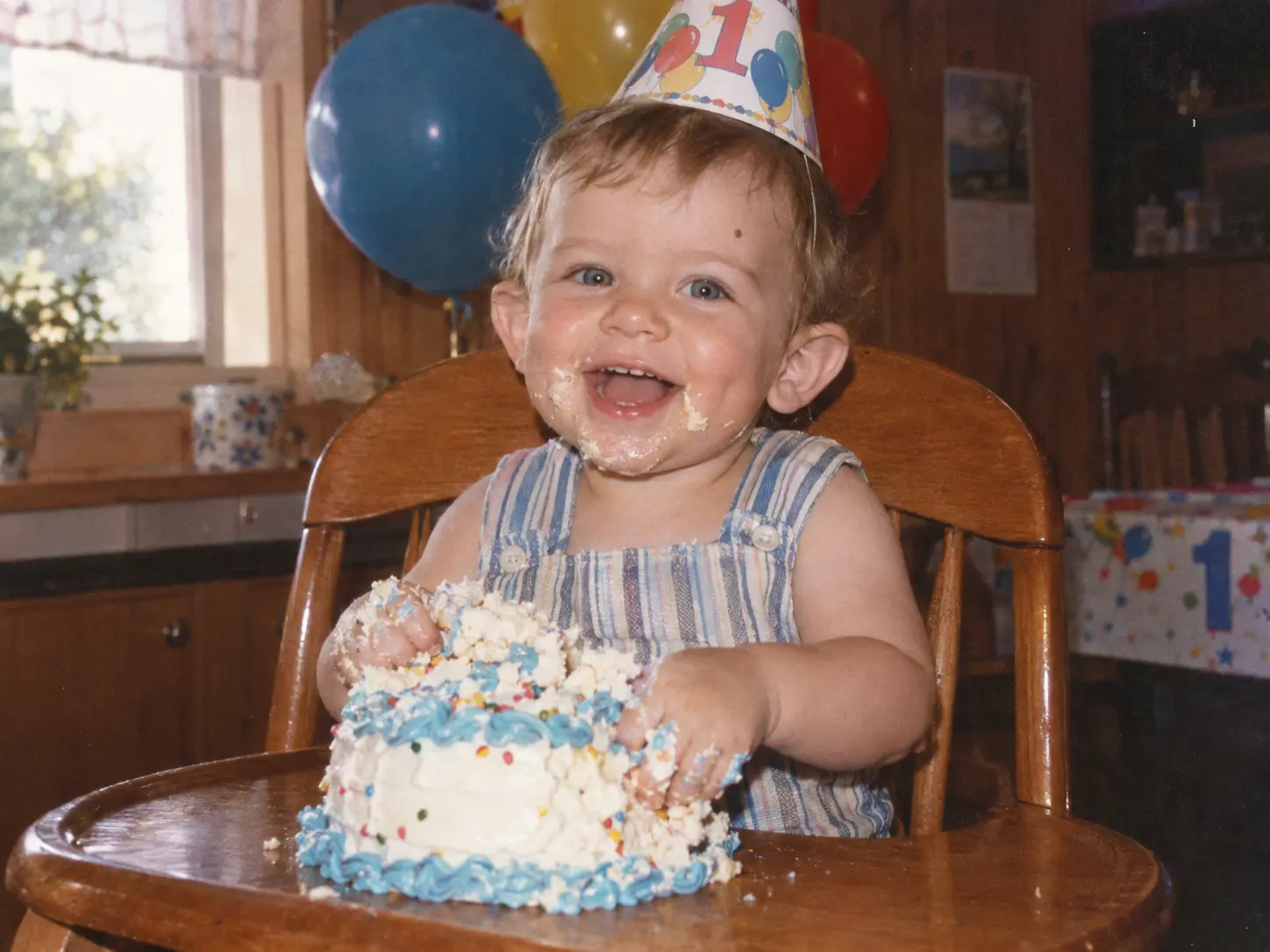

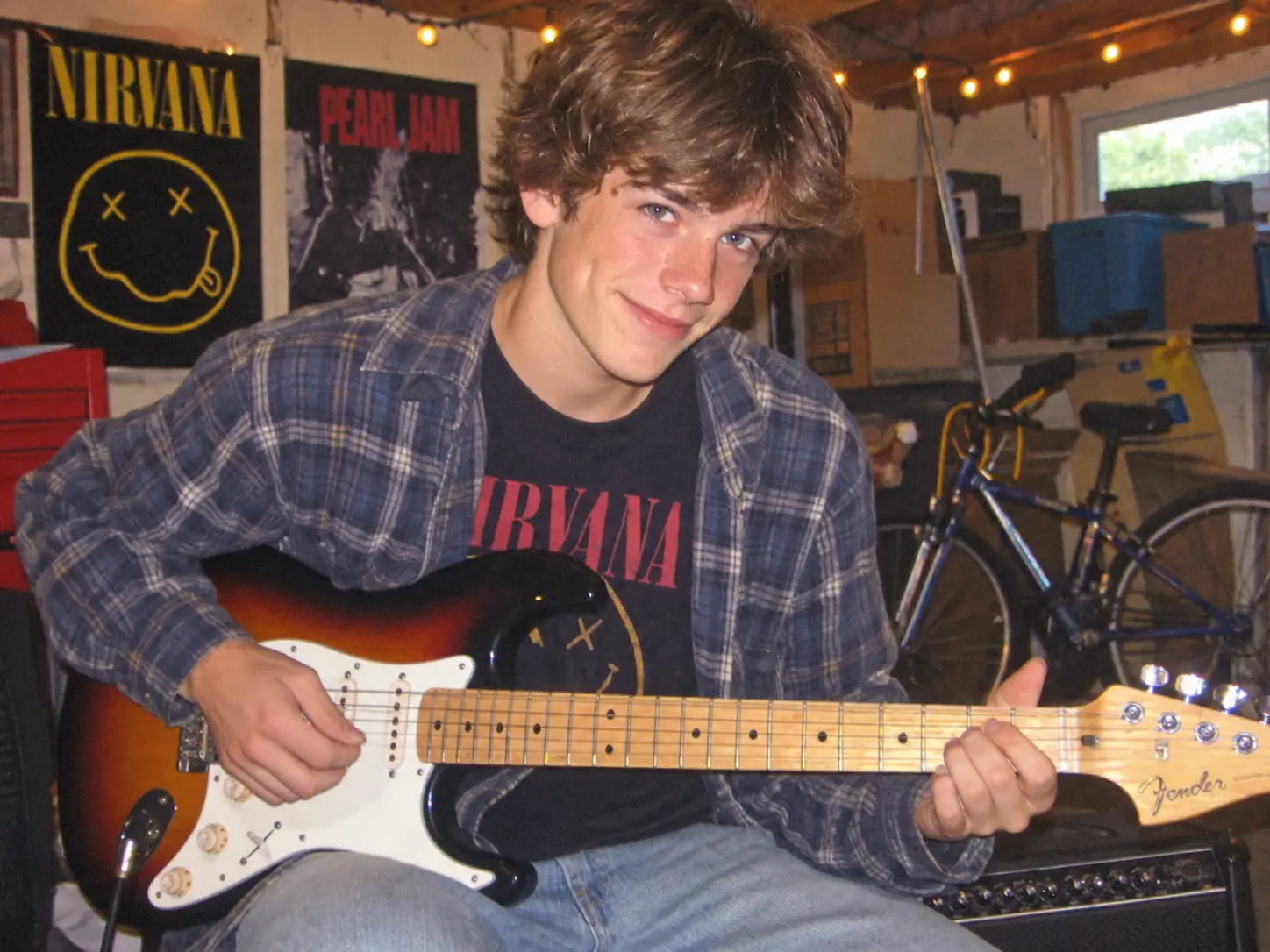

People search for a face morph program for growing up, a glow-up grow-up clip, or a before-and-after glow up when they want years of photos in one short film. Morph tools usually warp faces; they rarely plan what happens between the ages.
Growing Up Video AI is built for that gap: upload life photos, get a planned moment between each pair, rewrite any line, preview the first transition free, then unlock HD with a soundtrack timed to the video.
Same search intent. Different keepsake.
Smooth face blend. Fast for social effects. Often ignores clothes, place, and the life in the photo.
Your real photos stay yours. Each age jump gets a short story beat you can edit — built for parties and tributes, not only a morph effect.
Three steps. For a fuller walkthrough, see the how-to guide.
2–30 clear photos of the same person, couple, or pet. Put them in age order and crop each face.
Between every pair, AI plans a small life moment — more than a face morph. Edit any line before it renders.
Watch the first transition with your own photos. Unlock the full growing up video with an original soundtrack, then download the MP4.
No. A face morph blends faces. A growing up video keeps your photos and adds a planned story moment between ages — closer to a keepsake film than a morph effect.
Yes. Upload early and later photos (and the years in between). Growing Up Video AI turns each jump into a story beat so the glow-up feels like growing up, not only a face warp.
For birthdays and weddings, a dedicated growing up video maker usually beats a general morph app: free preview with your photos, editable story moments, and pay-once pricing.
Yes. Every account can preview the first transition free with your own photos. Full HD unlock starts at $3.90 one-time — no subscription.
CapCut and Dreamina are general editors with morph-style effects. Growing Up Video AI is built for multi-photo growing up stories with free preview. See our CapCut vs Dreamina guide for a side-by-side.
Upload a few photos and see the first growing up moment free.
Make my video