Pets growing up
From puppy or kitten to today. Pet growing up videos work the same way — just upload photos of the same pet in order.
AI growing up video maker
Upload photos from baby to today and create a growing up video where each transition is a real story moment — not just a face morph. Free preview with your own photos before you pay, then download and share.
Your photos
→ Growing up video
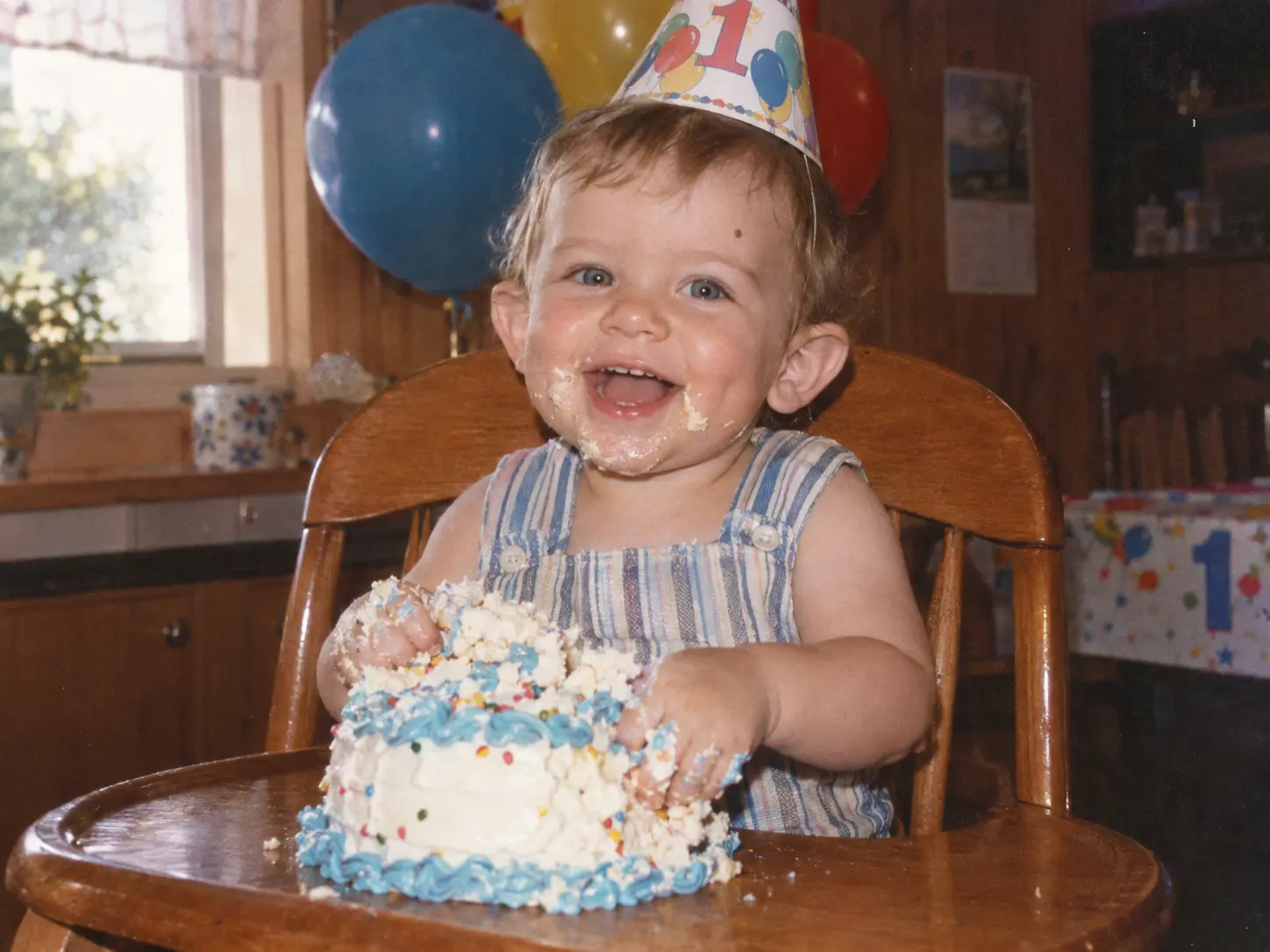
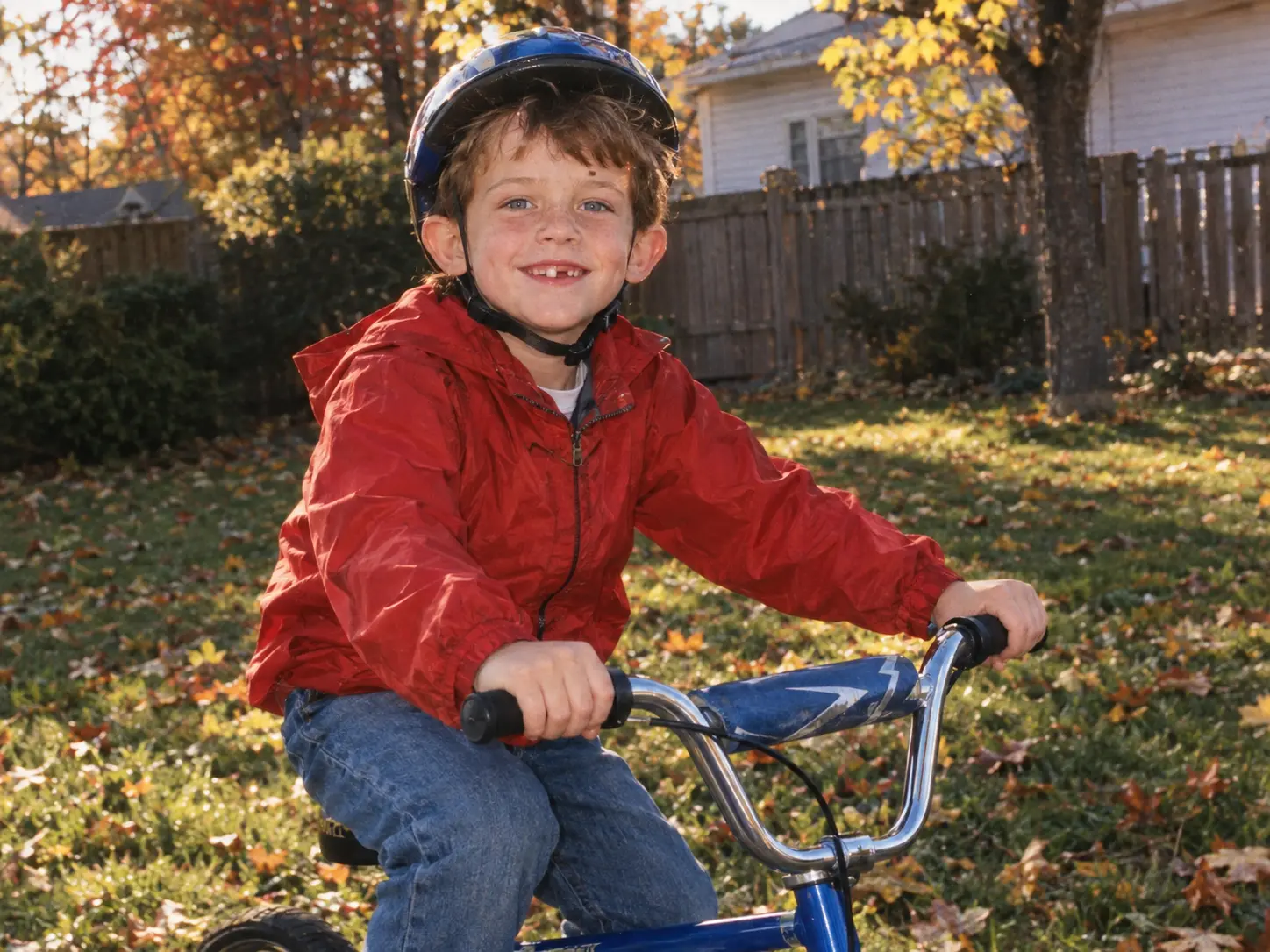
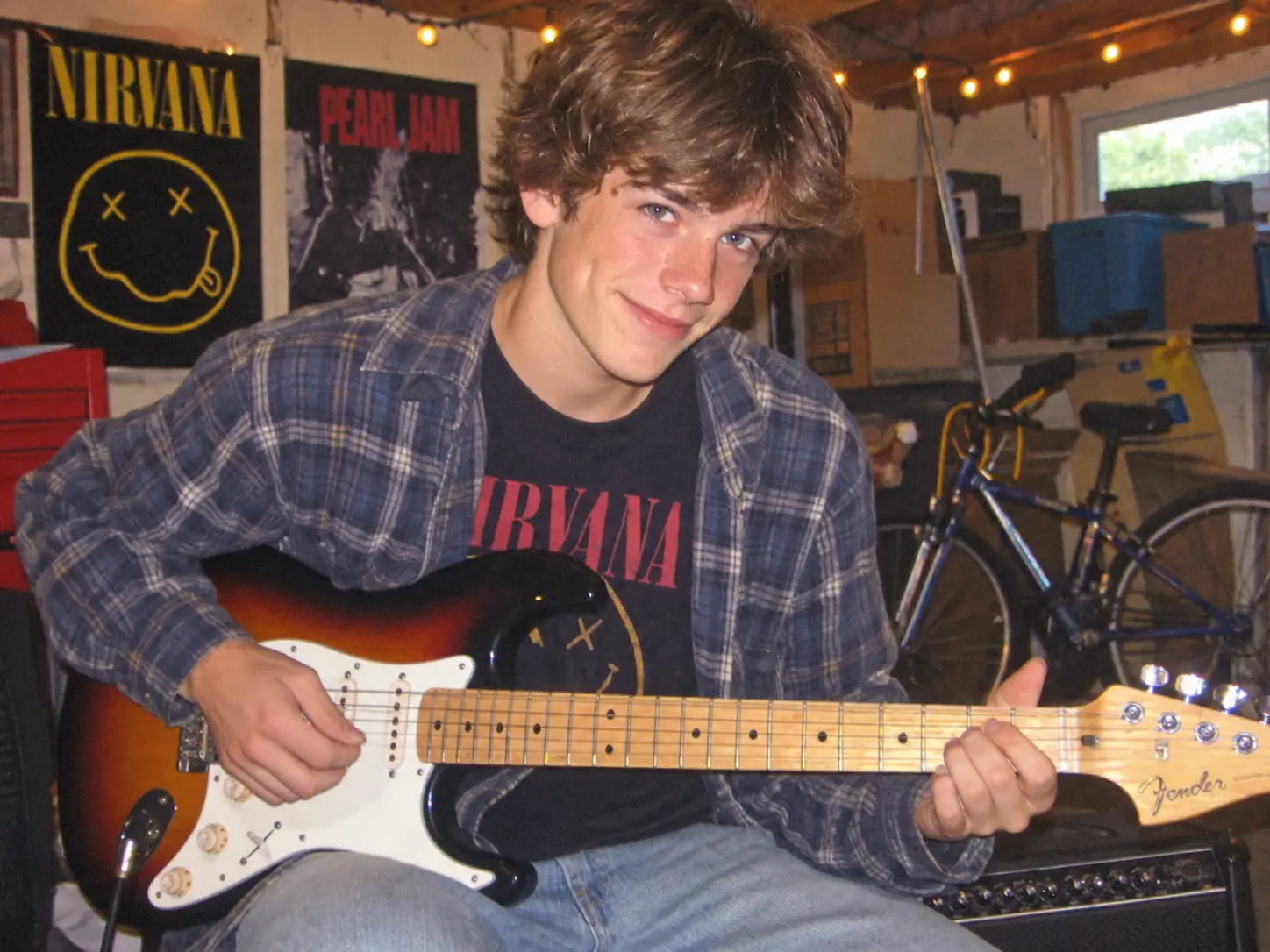

Real stories made from family photos — story moments between each age, not just a face morph.
Baby pictures to today. Phone photos and old scans both work.
Drag your photos into order, and AI plans a little moment for every transition. Change anything you like.
Watch your first transition free. Unlock the full HD video with an original soundtrack, then download and share.
Each 5-second transition shows them doing something — blowing out candles, running into the next chapter.
Drag photos into the order you want and rewrite any moment in your own words before anything renders.
Not quite right? Describe what should happen and render it again — redos are included.
AI composes an original instrumental that fits your video's exact length. Or add the song that matters to you.
Families who made a growing up video for a birthday, graduation, or wedding.
“I almost didn't pay — then I watched the free preview with her baby photos and just sat there. Unlocked the whole thing the same night.”
“It's not one of those creepy face morphs. Every clip feels like a little moment from his life. We played it before cake and half the room was crying.”
“Took maybe twenty minutes. Dragged the photos into order, tweaked one transition, and we had a wedding reception video that actually felt like him growing up.”
Pick a mood that fits the day — Nostalgic, Romantic, Celebration or Tribute — and the moments and soundtrack follow.
Play it before the cake at an 18th, 21st, 30th, 50th or 60th. Ten to twelve photos from baby to today make about a minute — long enough to land, short enough to keep the room.
From the first day of kindergarten to cap and gown. A graduation party favorite for high school and college, and a lovely gift from parents to the graduate.
Show both of you growing up, then end on a photo of you together. Use the Romantic mood for the rehearsal dinner, the reception or a big anniversary.
A gentle way to remember a whole life at a funeral or celebration of life. The Tribute mood keeps the moments soft and the soundtrack calm.
One photo a month from newborn to first birthday makes a sweet 1-year video for the party or to send to grandparents.
From puppy or kitten to today. Pet growing up videos work the same way — just upload photos of the same pet in order.
How an AI growing up video compares with the usual ways to turn photos into a video.
| Feature | Photo slideshow | Face-morph app | Growing Up Video AI |
|---|---|---|---|
| Photos move | Faces only | ||
| A real moment between photos | |||
| Keeps backgrounds and outfits | |||
| You choose and edit each moment | |||
| Original soundtrack, timed to the video | |||
| Time to make | Hours of editing | Minutes | Minutes |
Looking for an age progression video, a face morph growing up alternative, or the grow up effect by name? Start there — then come back to make yours.
Phone photos and old scans both work. A few small choices make the transitions look much better.
Ten to twelve photos cover a whole childhood. Add more around the years that matter most — the first year, school, the big day.
The AI keeps them recognizable from photo to photo when it can see the face. Use the crop tool to frame each face.
Old prints work well. Photograph them flat in daylight with no glare, or use a phone scanner app, then crop off the border.
Different places and activities — the beach, a bike, the school play — give the AI more ideas for the moment in between.
In group shots, crop in on the person the video is about so the AI knows who to follow.
The video model rejects bath-time and other undressed photos, even of babies. Pick one where everyone is clothed.
By Growing Up Video AI · Updated
A growing up video takes photos from someone's life — the newborn picture, the first day of school, the awkward teenage years, graduation, today — and plays them as one continuous story. It is the video that gets played at the 18th birthday, the graduation party, the wedding reception or the celebration of life.
Most growing up videos are slideshows: still photos with a fade between them. Face-morph apps go a step further but only blend one face into the next. Our AI growing up video maker looks at each pair of photos and writes a small moment that joins them — a toddler running off and coming back a few years older, a kid blowing out candles that turn into a graduation cap — then animates that moment into a 5-second clip.
You keep control the whole way. Put the photos in order, read the moments the AI planned, rewrite any of them in your own words, and watch the first transition free before you pay anything.
New here? Read how to make an AI growing up video, see CapCut vs Dreamina, compare a face morph vs growing up story, or go to our age progression video page.
No subscription. Preview the first moment free, then pay once per video.
Free
See the quality with your own photos before you pay.
$0
Full video
Choose how many photos you need — one price per video.
$3.90per video
Photos
A short video that flows from someone's earliest photo to today. Instead of a plain face morph, each pair of photos is joined by a small moving moment — so it feels like watching them grow up.
At least 2 and up to 30. One photo per few years works great. Each pair of photos becomes a 5-second transition, so 10 photos make a video of about 45 seconds.
It depends on how many photos you use, because every pair of photos becomes a 5-second moment. The plans are Short ($3.90) up to 4 photos, about 15 seconds; Story ($17.90) up to 12 photos, about 55 seconds; Highlight ($26.90) up to 18 photos, about 85 seconds; Full Life ($35.90) up to 24 photos, about 115 seconds; Legacy ($44.90) up to 30 photos, about 145 seconds.
After uploading, just drag the photos into order, youngest first. The video plays them left to right, and you can still change the order before rendering.
Yes. Every account gets a free preview of the first transition, so you can see the quality with your own photos before you buy.
No. You pay once per video, and there is nothing to cancel.
Writing the story takes about 20 seconds. After you unlock the video, all transitions render at the same time, which usually takes a few minutes. You can close the page and come back — your video waits in My videos.
Yes. Photograph or scan the print flat, in good light and without glare, then crop off the border in the editor. Phone photos, scans and screenshots all work, including HEIC photos from an iPhone.
Pick the shape before you upload: 16:9 (TV & projector), 4:3 (fits most camera photos), 1:1 (Instagram), 3:4 (fits most phone photos), 9:16 (TikTok & Reels). Choose landscape for a TV or projector at a party, and vertical for TikTok, Reels or Stories.
Yes. Download the finished MP4 to play anywhere, or send a private share link so family can watch it in the browser.
Every video is saved for 14 days after it is made, then deleted for good — including its clips and share link. Download the MP4 within 14 days to keep it.
Every video includes free redos. Pick any transition, optionally describe what should happen, and we render it again. Transitions that fail to render are retried for free.
Yes. Every paid video comes with an original instrumental soundtrack, composed by AI to fit your video's exact length. Pick a style (warm piano, cinematic strings, lullaby, upbeat pop and more) and you get 3 tries, each with a couple of versions to choose from. You can also upload your own song instead.
Yes. It works for one person, a couple growing up together, or a pet from puppy or kitten to today.
Your photos are only used to make your video. They are never shared or used to train models, and you can delete a project at any time.
Email ethancarterbusy5@gmail.com and a real person will reply, usually within a day.
Gather a few photos and see the first moment with a free preview.
Make my video